

Table of Contents
Introduction
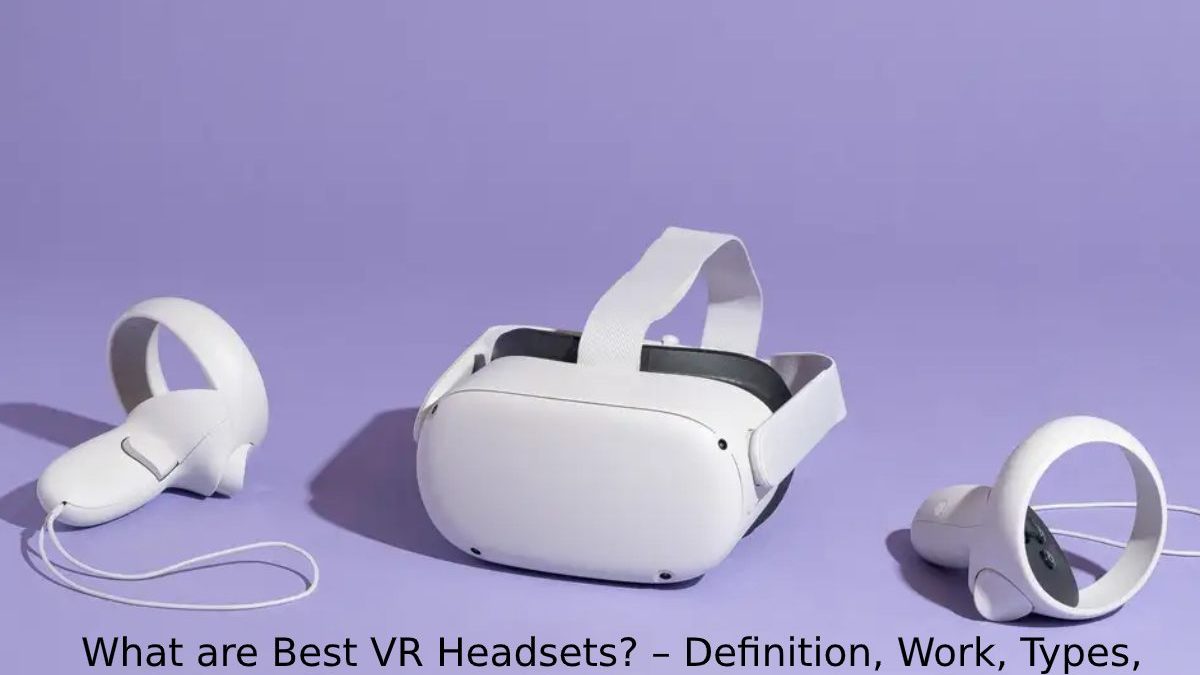
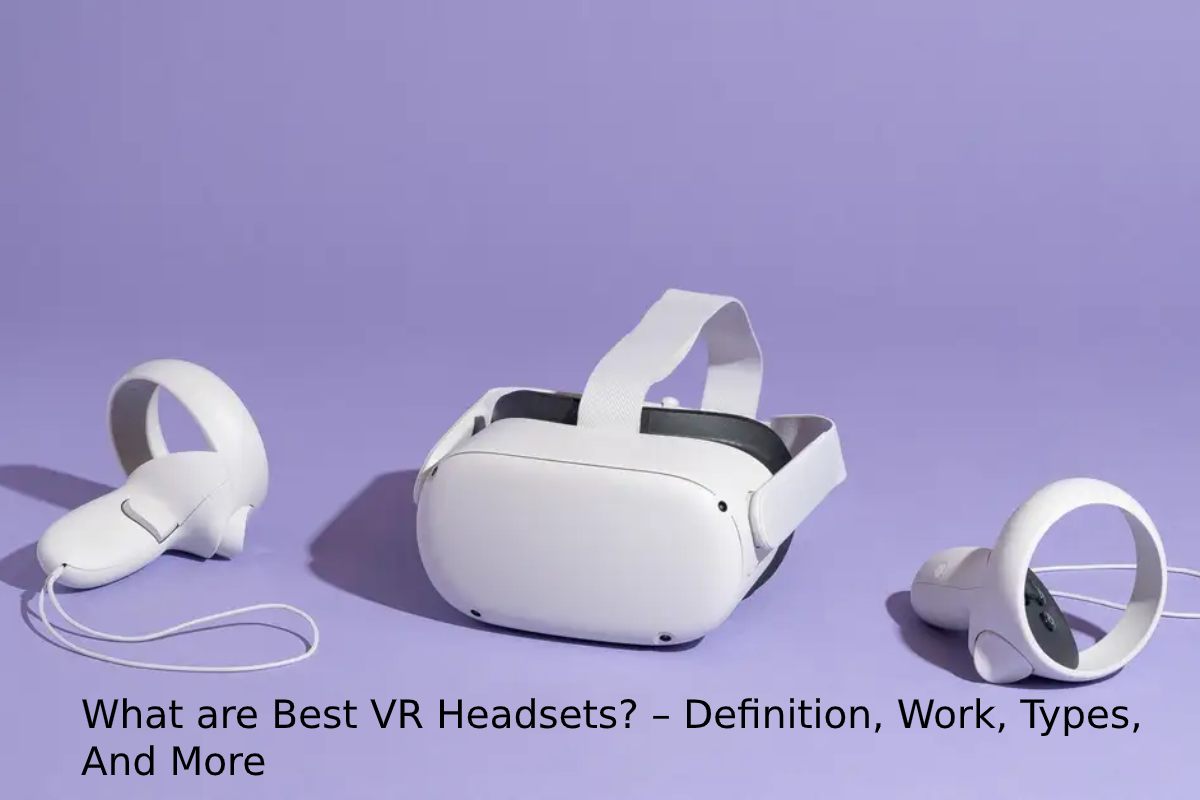
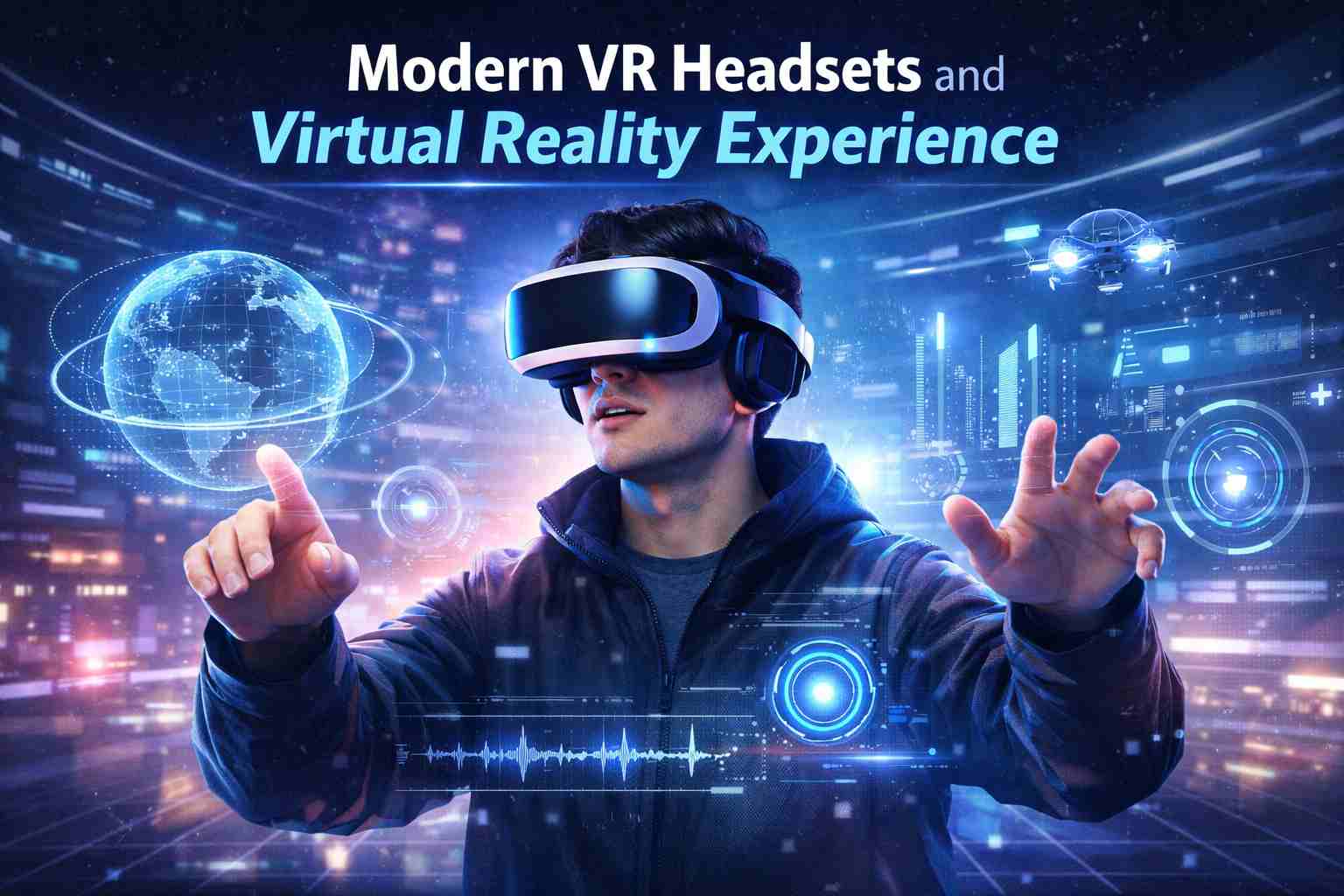
Virtual Reality (VR) headsets are wearable devices that allow users to experience a computer-generated virtual environment through immersive visuals, sound, and motion tracking. These headsets place screens directly in front of the user’s eyes and track head movement to simulate a 3D world where users can interact with games, training programs, simulations, and virtual spaces.
VR headsets are widely used in gaming, education, healthcare training, architecture visualization, military simulations, and virtual meetings. Modern devices include sensors, cameras, and controllers that detect movement and allow interaction within virtual environments.
Popular devices include Meta Quest 3, Apple Vision Pro, Valve Index, HTC Vive Pro 2, and PlayStation VR2, which vary in performance, price, and compatibility.
Types of VR Headsets
| VR Headset Type | Description | Hardware Requirement | Examples | Approx Cost |
|---|---|---|---|---|
| Standalone VR | All hardware built inside the headset. | No PC or console needed | Meta Quest series | $300 – $500 |
| PC-Connected VR | Requires powerful computer | High graphics performance | Valve Index, HTC Vive | $700 – $1000 |
| Console VR | Works with gaming console | Compatible console required | PlayStation VR2 | $400 – $600 |
| Smartphone VR | Uses smartphone screen | Insert phone into headset | Samsung Gear VR | $50 – $150 |
Standalone headsets are the most beginner-friendly, while PC-based headsets provide the best graphics quality and tracking performance.
Popular VR Headsets
| VR Headset | Resolution (per eye) | Refresh Rate | Field of View | Type | Price |
|---|---|---|---|---|---|
| Meta Quest 3 | 2064×2208 | 120 Hz | 110° | Standalone | ~$499 |
| Apple Vision Pro | 4K micro-OLED | 90–100 Hz | ~100° | Standalone | ~$3499 |
| PlayStation VR2 | 2000×2040 | 120 Hz | 110° | Console | ~$549 |
| Valve Index | 1440×1600 | 144 Hz | 130° | PC VR | ~$999 |
| HTC Vive Pro 2 | 2448×2448 | 120 Hz | 120° | PC VR | ~$799 |
High-end devices like Apple Vision Pro focus on mixed reality productivity, while gaming devices like Valve Index emphasize high refresh rates and wide field of view for immersion.
Major VR Companies and Manufacturing Locations
| Company | Headquarters | Country | Popular Products |
|---|---|---|---|
| Meta Platforms | Menlo Park | USA | Meta Quest series |
| Apple | Cupertino | USA | Apple Vision Pro |
| Sony | Tokyo | Japan | PlayStation VR |
| HTC | Taipei | Taiwan | Vive series |
| Valve Corporation | Bellevue | USA | Valve Index |
These companies dominate the VR industry by producing both consumer and enterprise VR devices.
Key Features to Check Before Buying a VR Headset
| Feature | Explanation | Ideal Value |
|---|---|---|
| Resolution | Clarity of display | 2000+ pixels per eye |
| Refresh Rate | Smoothness of motion | 90–144 Hz |
| Field of View | Visible VR area | 100° – 130° |
| Tracking | Motion detection accuracy | 6DoF tracking |
| Weight | Comfort during use | <600g |
High resolution and high refresh rate significantly improve immersion and reduce motion sickness.
VR Headset Price Comparison by Category
| Category | Entry Price | Mid-Range | Premium |
|---|---|---|---|
| Budget VR | $200 | $300 | $400 |
| Gaming VR | $400 | $600 | $1000 |
| Professional VR | $1000 | $2000 | $3500+ |
Budget devices are mainly standalone headsets, while professional VR systems include advanced displays and sensors.
How to Buy VR Headsets
| Step | Action | Tips |
|---|---|---|
| Step 1 | Decide usage purpose | Gaming, education, or productivity |
| Step 2 | Choose compatibility | PC, console, or standalone |
| Step 3 | Compare specifications | Resolution, FOV, refresh rate |
| Step 4 | Check budget | Entry vs premium |
| Step 5 | Buy from trusted store | Official website or electronics retailer |
Recommended purchase guide:
Visit the official buying guide at
Virtual Reality Society → https://www.vrs.org.uk/virtual-reality/headsets.html
How to Use a VR Headset
| Step | Process | Explanation |
|---|---|---|
| 1 | Charge headset | Ensure battery is full |
| 2 | Install VR app or game | From headset store |
| 3 | Wear headset correctly | Adjust straps |
| 4 | Configure tracking | Set room boundaries |
| 5 | Use controllers | Interact with virtual objects |
Most modern headsets provide guided setup instructions for first-time users.
Advantages vs Disadvantages of VR Headsets
| Advantages | Disadvantages |
|---|---|
| Highly immersive experience | Expensive hardware |
| Useful for training simulations | Motion sickness for some users |
| Interactive learning environment | Requires space |
| Realistic gaming and entertainment | Limited battery life |
Industries Using VR Headsets
| Industry | Use Case |
|---|---|
| Gaming | Immersive gameplay |
| Healthcare | Surgery training |
| Education | Virtual classrooms |
| Real Estate | Property visualization |
| Military | Combat simulation |
| Architecture | 3D building walkthroughs |
VR Headset Market Growth
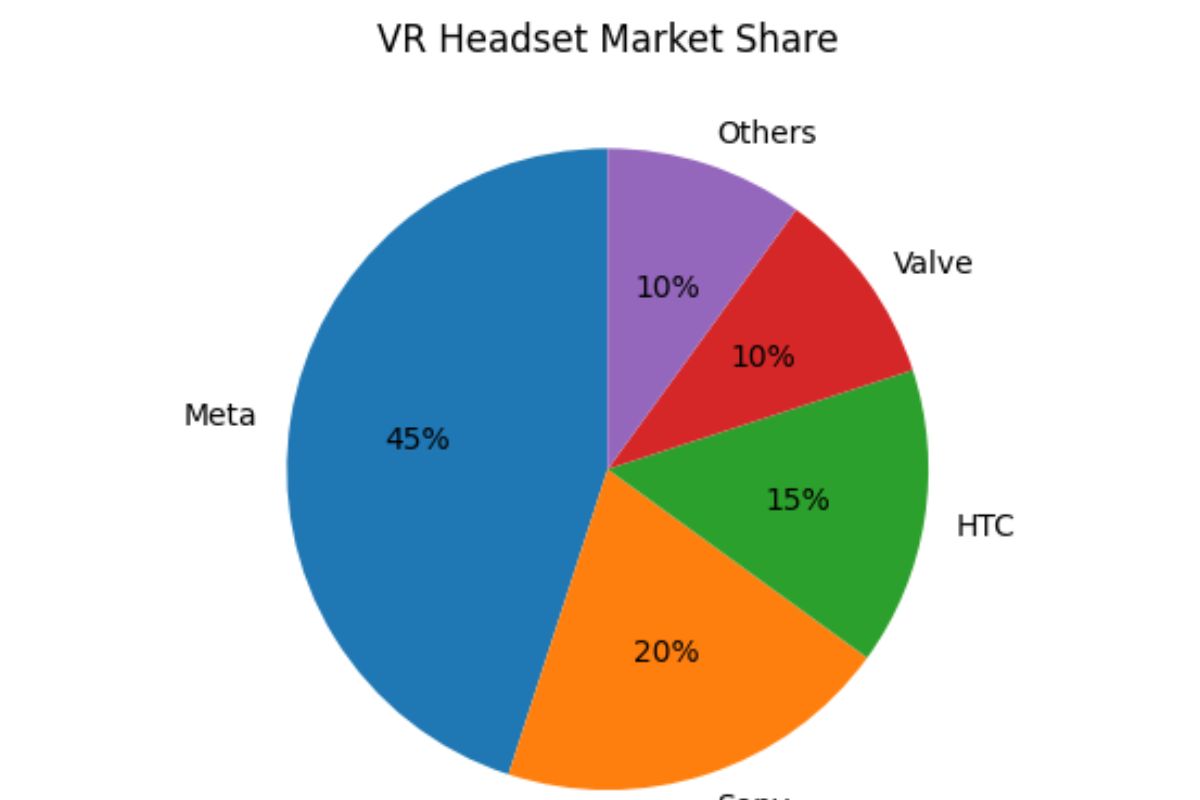
VR Device Market Share
VR Headsets are Best Known For:
-
VR headsets create immersive digital environments.
-
They use sensors, displays, and motion tracking technology.
-
Applications include gaming, education, medical training, and remote collaboration.
-
Standalone headsets are currently the most popular option.
FAQs
What is the main purpose of VR headsets?
VR headsets are designed to create immersive digital environments where users can interact with computer-generated worlds for gaming, learning, simulations, and professional applications.
Are VR headsets safe for long-term use?
Most manufacturers recommend using VR headsets in short sessions of 30–60 minutes to prevent eye strain and motion sickness.
Do VR headsets require a computer?
Some headsets require a PC or gaming console, while standalone headsets like Meta Quest models operate independently.
Which VR headset is best for beginners?
Standalone devices such as Meta Quest headsets are considered beginner-friendly because they do not require additional hardware.
Can VR headsets be used for work and education?
Yes. VR is widely used for virtual meetings, training simulations, engineering design, and interactive education programs.
Conclusion
Virtual reality headsets are transforming how people interact with digital content by creating immersive environments that feel realistic and interactive. From gaming and entertainment to education, healthcare, and professional training, VR technology is rapidly expanding across industries. With advancements in display resolution, motion tracking, and wireless connectivity, modern VR headsets provide more accessible and powerful experiences than ever before. Choosing the right headset depends on the user’s purpose, budget, and required compatibility. As VR technology continues to evolve, it is expected to become a mainstream computing platform that bridges the gap between the physical and digital worlds.